


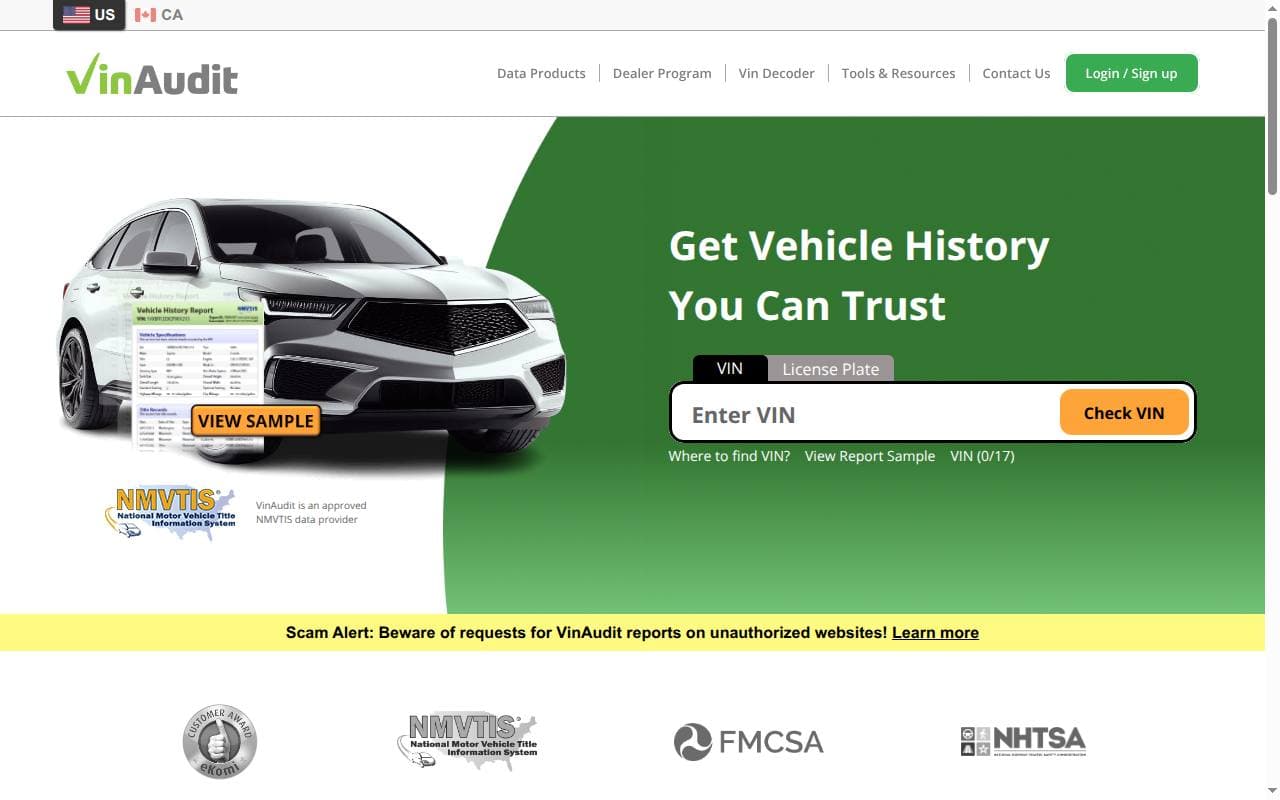
VinAudit provides vehicle history reports using records associated with a VIN. Its US reports include NMVTIS information, so title, brand, odometer, and salvage records are important parts of this review. VinAudit also has Canadian products; choose the one that matches the vehicle’s history.
What VinAudit checks
NMVTIS is a US vehicle-title information system. Its records can help identify title brands, reported odometer readings and salvage or total-loss events. Access to that system does not mean that every accident, private repair or service visit will appear.
VinAudit may add information from other sources to these core records. Read the sample and the product description so you know the difference between the categories a report can include and the records actually found for your VIN. Its NMVTIS overview explains the US offering.
Strengths and limitations
Reasons to consider it
- Title-history research: the report can help flag title status or brand issues that need to be sorted out before you buy.
- Online access: records are presented together so you can compare dates and events.
- Package choices: multi-vehicle options may reduce the price per check when you need several reports.
Limits to keep in mind
- NMVTIS is not a complete accident or maintenance log.
- Record availability and reporting delays affect the result.
- A lower package price doesn’t mean you get the same information as from another service.
- The report does not inspect the car, confirm repair quality, or replace a proper legal check of the title and any outstanding liens or claims.
How to use the VIN search
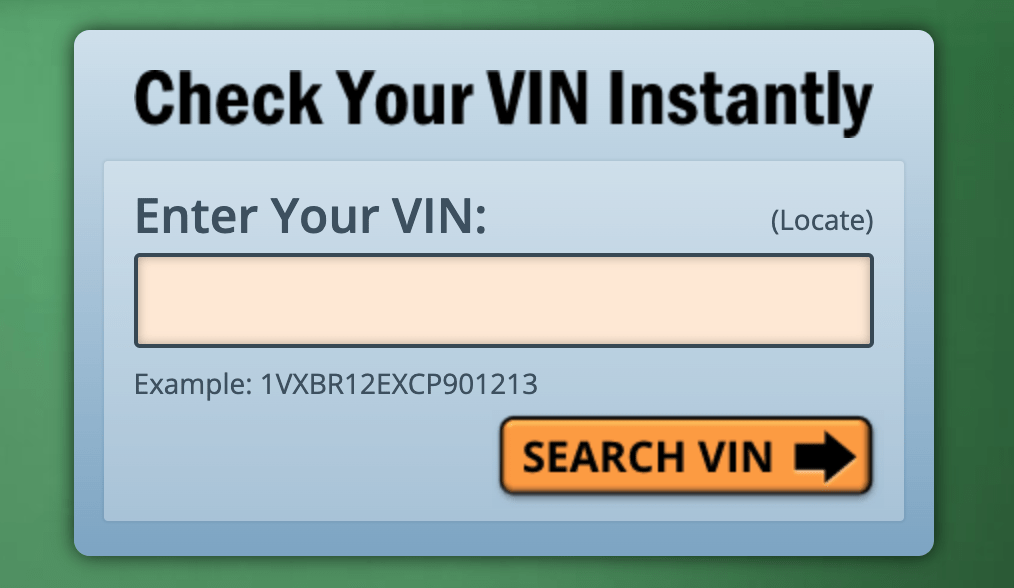
Archive: The VinAudit lookup interface.
- Check the VIN on the vehicle against the title and registration documents. Use our VIN and vehicle identification guide if you need help locating it.
- Open VinAudit and choose the service that fits the car’s history.
- Enter the identifier carefully and confirm that the basic details match the vehicle.
- Review the report description, package size, price and access conditions before paying.
- Read the report chronologically, then investigate any status, mileage or identity discrepancy.
A basic lookup or summary is not the same as a paid vehicle-history report. Check exactly what the result covers instead of assuming it searched every relevant record.
Reading the report
- Title and brand records: note which jurisdiction issued the title and find out what the brand means there. A rebuilt title tells you nothing about how well the car was repaired.
- Odometer entries: compare dates and units. An unexplained drop needs looking into; a consistent sequence doesn’t prove on its own that every reading is genuine.
- Salvage and total-loss records: look at the reported event and get supporting documents. An insurer’s decision and the actual physical damage are related, but they’re not the same thing.
- Other available history: sale, registration, theft or other entries can provide context. Read their source notes and follow up on any alert with the appropriate authority.
- Specifications: compare the decoded model and configuration with the advertisement and the car itself.
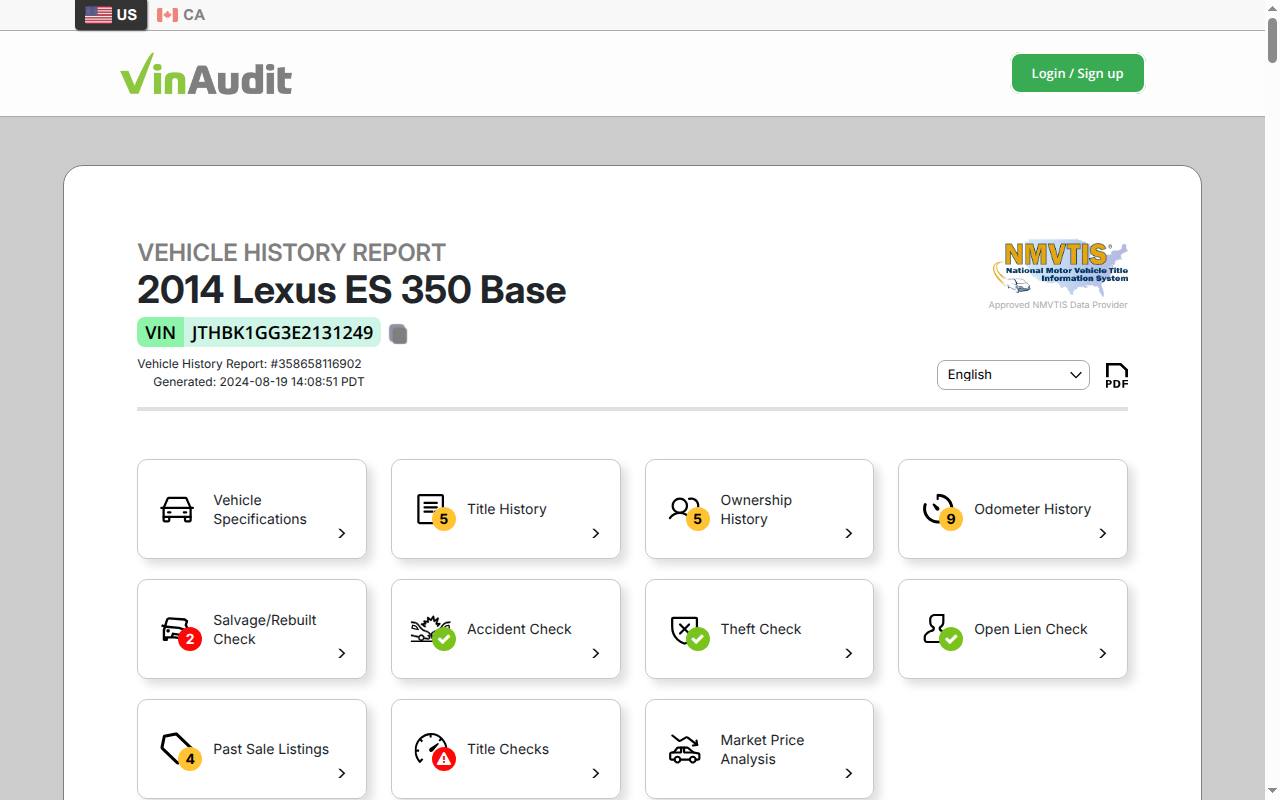
- Ownership history: the sample report lists title records with calculations of usage and mileage for each registration.
- Accident, theft and lien checks: the sample report includes sections for accident records, active theft and theft recovery records, and lien, impound and export records.
- Sale and location history: the sample report includes historical sale listings and vehicle location history from available independent sources.
- Title checks: the sample report lists checks for potential problems related to the title.
Don’t expect the report to include previous private owners’ names, complete maintenance records or proof of clear ownership. Where a lien or other interest matters, confirm its status through the appropriate authority or lender.
Prices and payment
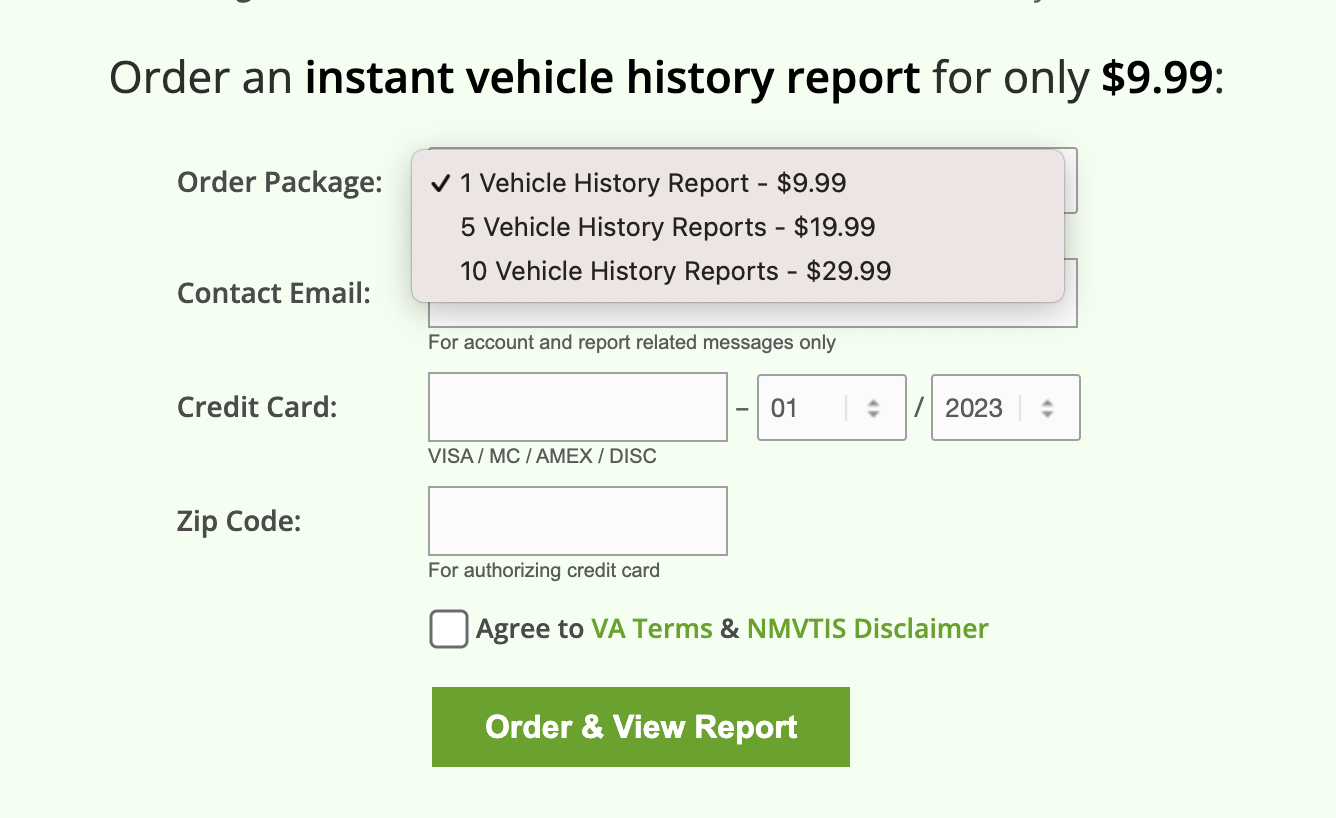
Archive: earlier VinAudit package prices; consult the current checkout offer.
The original US review listed $9.99 for one report, $19.99 for five and $29.99 for ten. Prices may have changed since. At those package prices, five reports would cost approximately $4 each and ten approximately $3 each; that saving only helps if you use the additional checks.
Compare the current total, the number of vehicles covered, any usage or expiration conditions, and the product for the country you select. Use the payment options presented with your order. Business and API products have separate terms and should not be confused with a consumer bundle.
US and Canadian coverage
VinAudit’s provider overview describes a separate Canadian report with registration, recall, status and manufacturer-buyback information. This does not mean that the US and Canadian products contain identical records.
For a car imported from elsewhere, also look into the paperwork from the countries where it was previously registered. A record of its arrival in North America can’t fill in every gap in its earlier history.
Comparing VinAudit with CARFAX and carVertical
Choose based on the records you need for the car you’re researching. Compare title and salvage coverage, available service or damage details, report dates and total cost. An approved data source tells you where part of a report comes from; it doesn’t mean one provider will always have the most complete result.
Support and next steps
Use VinAudit’s current help and contact options if you cannot access an order or believe an entry is wrong. Have the report ID, purchase details and relevant documents ready. Check the published support hours instead of assuming how quickly they’ll respond.
VinAudit can be useful for checking recorded title and status events before buying. Combine the report with seller documents, an independent inspection and any official ownership checks required where you will register the car.
Frequently asked questions
Is VinAudit an NMVTIS provider?
VinAudit identifies itself as an official NMVTIS data provider. That describes the source of part of its US report, not a guarantee that every event in a vehicle’s life is recorded.
Can I obtain a full report free?
A free basic lookup or sample isn’t the same as the paid history product. Read the current offer to see what is included.
Will it show every accident?
No. NMVTIS is not a complete accident-history database, and additional sources may also have gaps.
Does VinAudit cover Canada?
It offers a Canadian product. Check that you have selected the appropriate service and review its records and terms.
Which bundle should I choose?
Estimate how many vehicles you need to check, then compare the total cost and usage conditions. Don’t buy reports you won’t use just because the price per report is lower.
How quickly can I access the report?
You get access once you’ve done the online lookup and paid. Data, payment or account problems can delay it.
Can I use it on a phone?
The website can be accessed from a mobile browser. Use any app links only if they are supplied by VinAudit’s official site.