
What a Report May Include
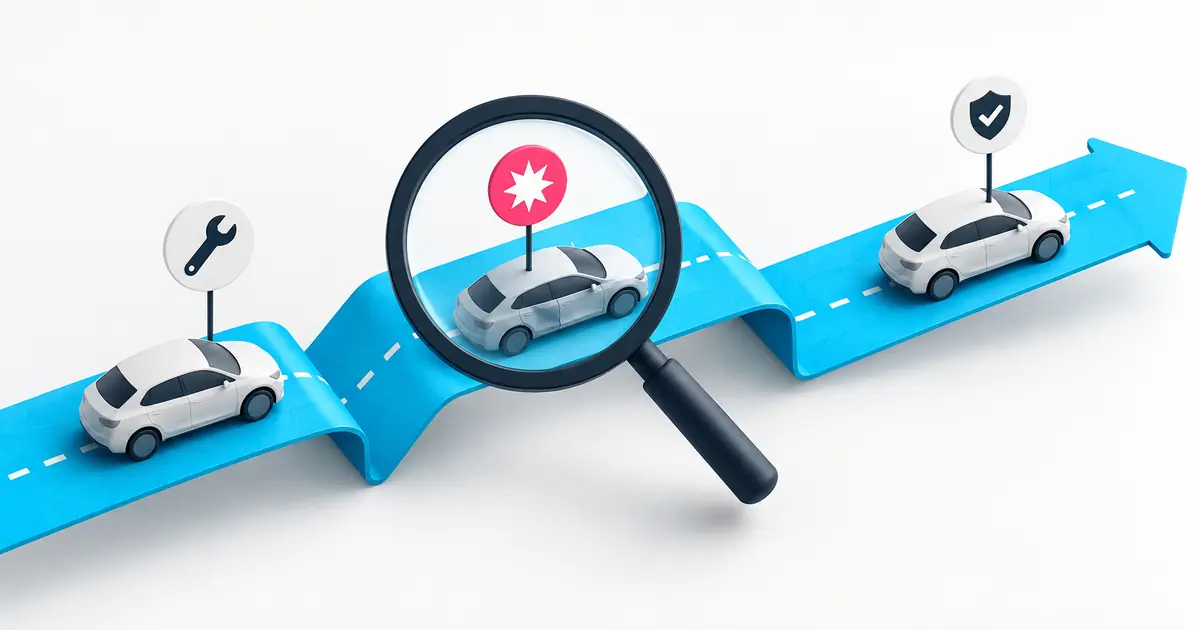
The records available depend on the vehicle, its history and the provider’s data coverage.
Accident records
Reported damage entries may identify events that need further investigation.
Title and registration records
Available status entries can help you check the vehicle’s documented history.
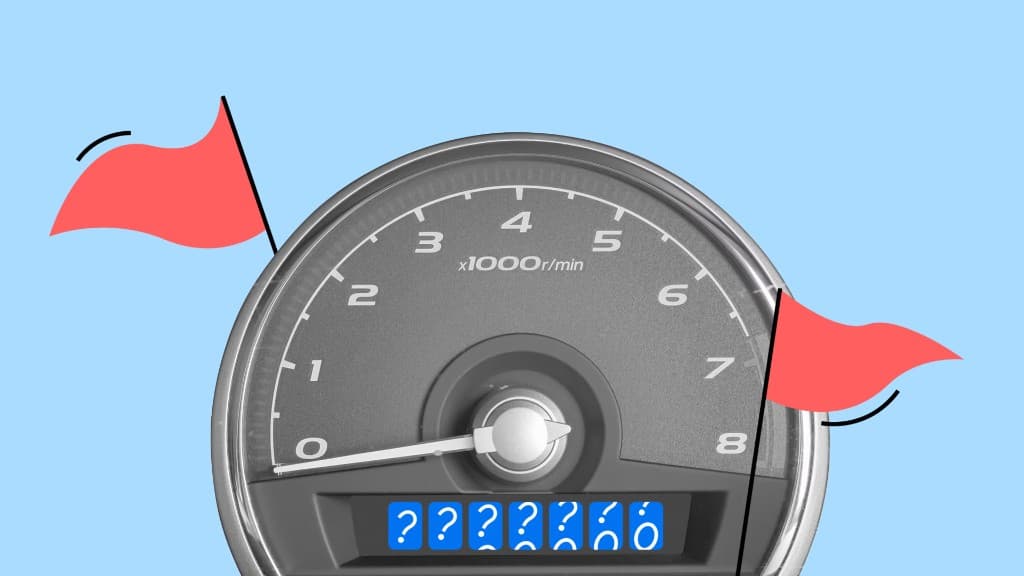
Mileage readings
Compare recorded readings to identify inconsistencies or gaps.
Ownership-related history
Available ownership and registration entries add context to the seller’s account.
Theft records
Search for available theft information; a clear result does not establish ownership.
Service records
Review maintenance entries where the provider has access to them.
Quick guide
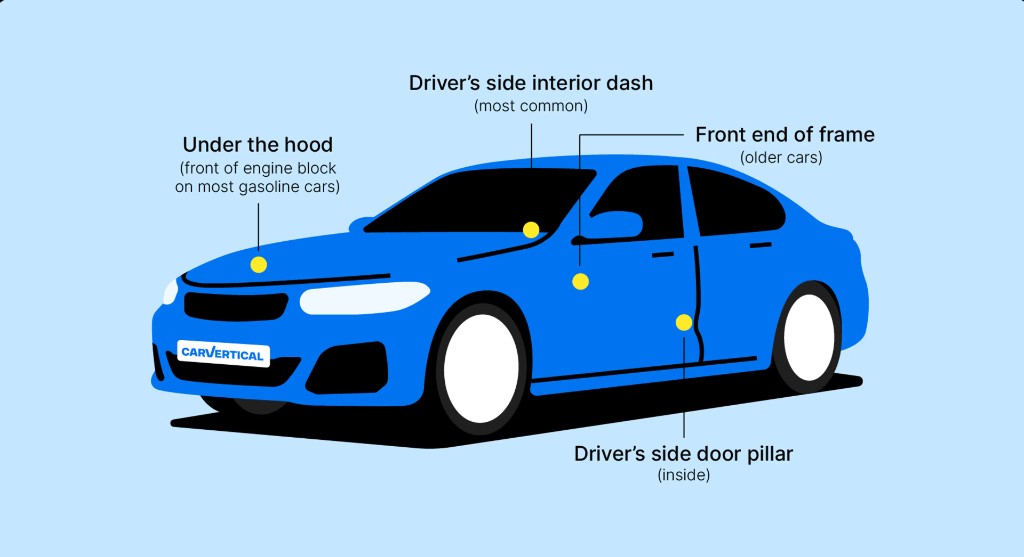
Where to Find the VIN
Modern vehicles generally use a 17-character VIN. Check the manufacturer’s guidance for the exact location; older vehicles may use a different format.
- 1
Dashboard
Look for the plate visible through the windscreen on the driver’s side.
- 2
Door frame
Check the identification label around the driver’s door opening.
- 3
Vehicle documents
Compare the VIN on the car with the title, registration or insurance documents.
- 4
Body or chassis stamping
Consult the owner’s manual for the stamping location. A separate engine serial number is not necessarily the VIN.
Questions About VIN Checks
How to use decoded specifications and available history records.
A Vehicle Identification Number identifies a particular vehicle. A suitable decoder can interpret manufacturer and specification information. Historical events are searched in separate records, rather than encoded in the VIN itself.
It helps you match the car to its documents and investigate available records. Look into any inconsistency before paying, even if the seller offers an explanation.
Depending on coverage, a report may contain damage entries, mileage readings, registration or title records, theft information and service history. Not every section will be available for every vehicle.
A provider can only include records available to its sources. Unreported accidents, private repairs and inaccessible records may be missing. A report does not replace an inspection.
Follow the processing and delivery information shown by the provider. Reports may be available quickly, but timing depends on the service and whether further data processing is needed.
Basic specification decoding and some official checks are free. Broader history reports often require payment. Compare the coverage and price before choosing a service.
It means the search did not return those records. It does not prove that the vehicle has never had an accident, repair or other issue. Check supporting documents and the car’s condition.
Submitting the form opens the selected provider’s site with the VIN. Read that provider’s privacy information before sharing personal details or paying for a report.
Start now
Start with the Vehicle’s VIN
Check that the number matches the documents, then review the available information and service terms.
Articles
Latest articles
Useful tips and insights about vehicle history.