


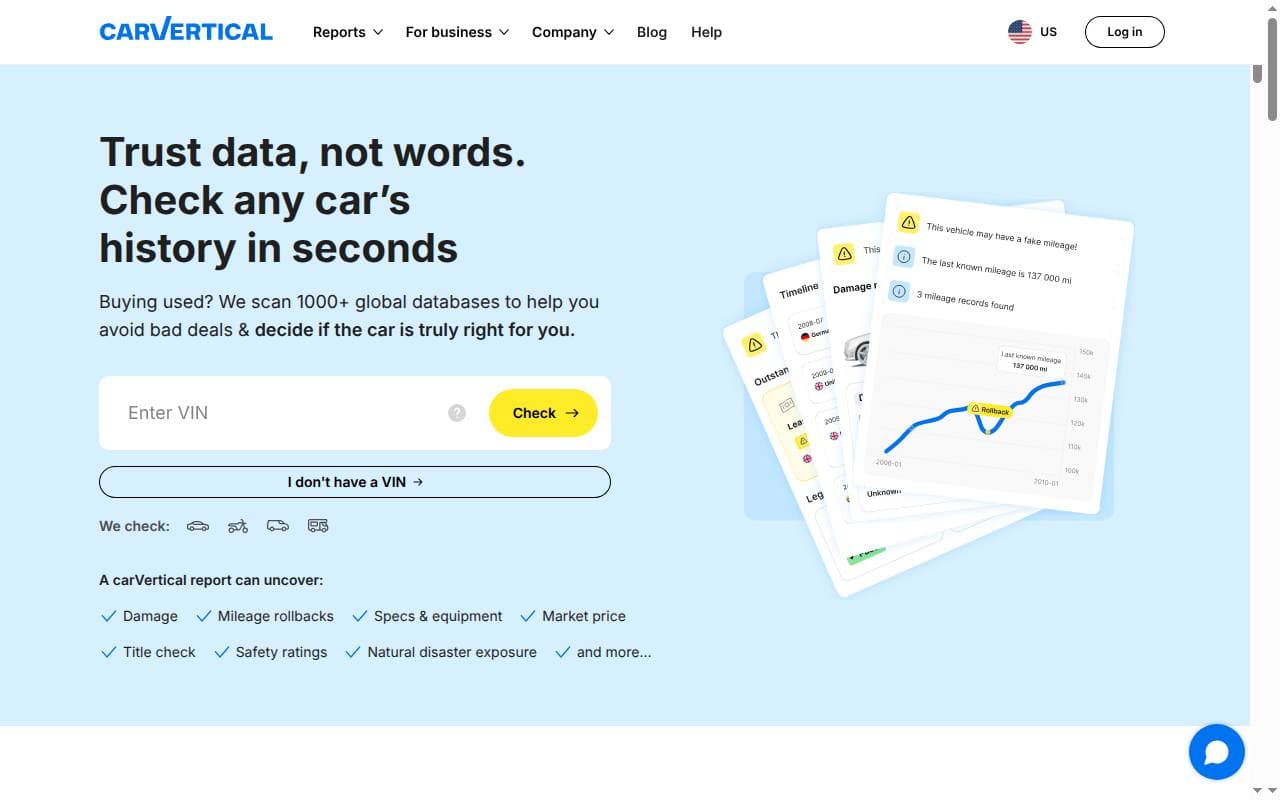
carVertical uses a vehicle’s VIN to search for available history records. It can help you check a seller’s story, spot mileage inconsistencies and prepare questions about past damage. How useful the report is depends on what records exist for that particular vehicle.
How carVertical works
The VIN identifies the vehicle, but the accident and mileage history comes from separate databases. carVertical pulls the available records into a report with a timeline, visual summaries and, where available, historical photos. Decoding the number on its own won’t tell you everything that has happened to a car.
The service can be handy for imported vehicles, whose paperwork may come from several countries. Check coverage for the countries the car was registered in before, and compare the report with the registration papers, service invoices and a mechanical inspection.
Strengths and limitations
What can be useful?
- Dated records in one place. A timeline makes it easier to compare mileage entries, changes of registration and recorded damage.
- Historical photos. When available, images can show earlier damage or equipment that differs from the current advertisement.
- Visual presentation. Charts and damage diagrams can help you spot the records worth a closer look.
- Cross-border research. A report can bring together information from supported markets, although the depth of coverage varies.
What should you keep in mind?
- Gaps in the history. Unreported accidents, private repairs and records the service can’t access may be missing. An empty damage section is not proof of an accident-free car.
- Package size and expiry. A lower price per report is useful only if you need the extra checks before the credits expire.
- Present condition. A report does not assess current mechanical wear, repair quality or an electric car’s battery health.
carVertical explains these data limits in its guide to accident records.
How to check a VIN with carVertical
- Find the VIN on the vehicle and compare it with the paperwork. Common locations include the dashboard and a door pillar; the exact position depends on the model.
- Open carVertical and enter the VIN carefully. Make sure the vehicle it identifies matches the one you plan to buy.
- Sign in or create an account when prompted. Select a package that fits the number of cars you plan to research.
- If you use our carVertical discount link or code, check that the total at checkout reflects the offer before you pay.
- Read the full report, check the dates and raise any inconsistencies with the seller. Save a copy for the inspection and your records.
See our VIN and vehicle identification guide for help finding and interpreting the number. Older vehicles may use a different ID format, so check that the service supports yours before ordering.
What may appear in the report?
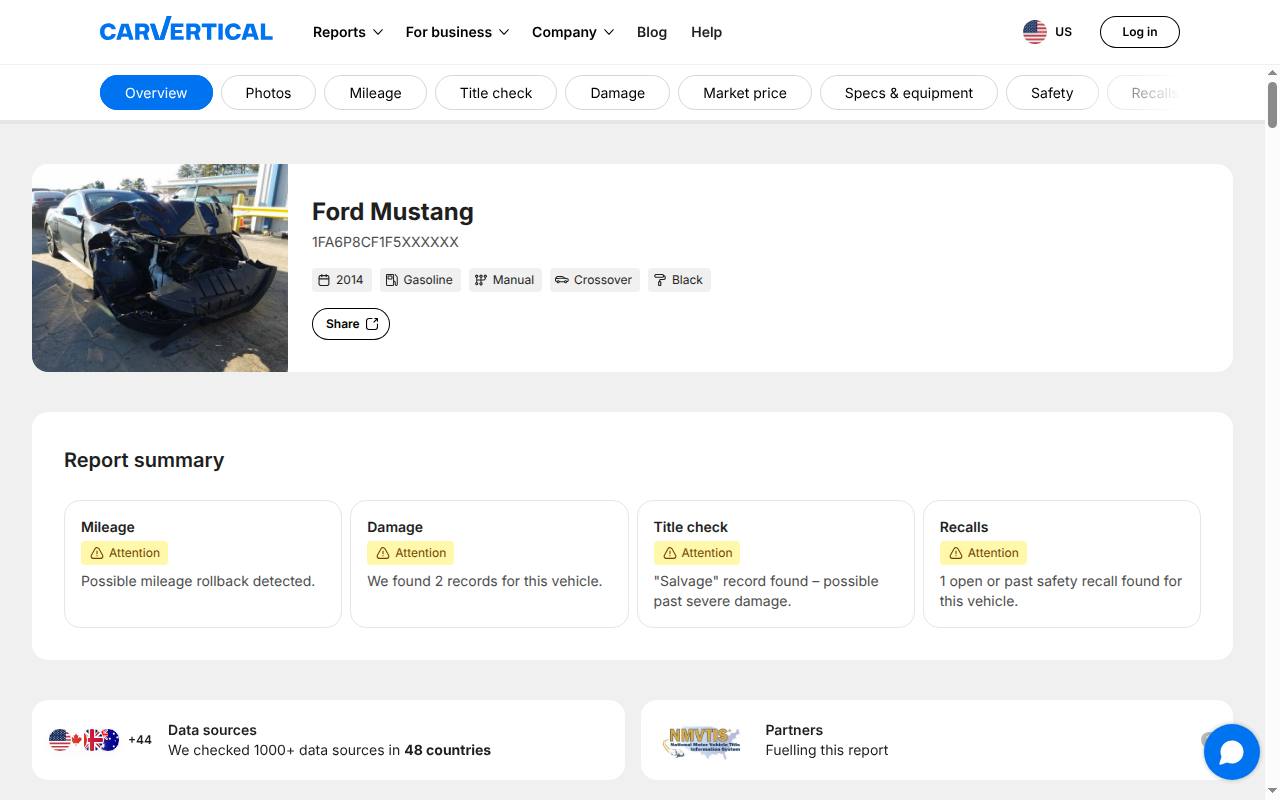
The available sections depend on the vehicle and the product offered in your market. carVertical’s feature overview describes the categories that may be included:
- Specifications and equipment: compare the model and configuration shown with the car itself and the listing.
- Mileage: look for dated readings and unexplained changes. Check whether the readings are in miles or kilometers before you treat a difference as a rollback.
- Recorded damage: examine dates, affected areas and any available repair estimates. Ask for invoices and have the affected parts inspected.
- Photos: compare older images with the car’s current appearance. Photos show how the car looked at the time; they say nothing about the quality of later repairs.
- Theft and administrative events: follow up on any alert with the appropriate authority. Registration changes won’t necessarily show every private owner.
- Market estimates, recalls and other categories: read the explanatory notes and confirm important details with the manufacturer or a local source.
Countries, vehicle types and brands
Being available in several countries doesn’t mean the records are equally complete in every market. A car may have a well-documented period in one country and a gap after being exported. Ask for documents covering that gap.
Before you buy, check that the specific car, motorcycle or commercial vehicle is supported. The same goes for brands such as BMW, Mercedes-Benz, Audi, Škoda, Toyota, Ford and Volkswagen: the badge doesn’t decide how much history exists for a given VIN.
How to interpret a finding
Suppose a later mileage entry is 30,000 miles lower than an earlier one. Check the units, dates and supporting documents before deciding what happened. A recording error, a replaced instrument cluster and deliberate tampering each call for a different follow-up.
If an older photo shows damage that the advertisement omits, ask how it was repaired and have that area inspected. What you get out of it is a better question for the seller or a reason to walk away—not proof that the report has checked the repair for you.
Prices, bundles and payment
These were the prices on carVertical’s US pricing page in October 2026. The last column shows the total with the 20% discount from the code GET20:
| Package | Total price | Price per report | With code GET20 |
|---|---|---|---|
| 1 report | $34.99 | $34.99 | $27.99 |
| 2 reports | $49.98 | $24.99 | $39.98 ($19.99 per report) |
| 3 reports | $59.97 | $19.99 | $47.98 ($15.99 per report) |
Check the total at checkout before you pay.
carVertical offers individual checks and multi-report packages. Compare the total price, the number of vehicles covered and how long unused credits stay valid. Check the offer in your own market; currencies, taxes and promotions can differ.
Its purchase guide currently describes one-, two- and three-car packages and a six-month validity period for unused reports. Read the terms shown with your order, and go by the payment methods listed at checkout rather than an older list of accepted cards or currencies.
The code GET20 appears in our discount guide. Check at checkout that it’s accepted and what you actually save; an affiliate link doesn’t guarantee that a promotion applies to every order.
Report access and support
Reports can be viewed online and downloaded as PDFs. carVertical’s report-format guide states that online access lasts 30 days, so save a copy if you want to keep it longer.
For an incorrect entry, missing purchase or access problem, use the contact options in carVertical’s help center. Include the order details and the record you want reviewed. General help articles are useful for account and payment questions; they’re no substitute for looking into a disputed vehicle record.
Comparing carVertical with other services
Start with the countries where the vehicle has been registered and the records you need. Compare sample reports, available data, package terms and the full cost. A bigger advertised database, a lower price or a technology claim doesn’t tell you which provider will return the most useful result for a particular VIN.
carVertical is worth considering if its records answer your questions about the vehicle you’re researching. Use what you find alongside the documents, a test drive and an independent inspection before deciding to buy.
Frequently asked questions
Is carVertical reliable?
That depends on the actual records and their dates. Gaps and errors in reporting do happen, so look into any discrepancies and compare the report with the paperwork and the car itself.
Can it detect mileage rollback?
Dated readings can reveal an unexplained drop. A consistent sequence doesn’t prove that every reading is genuine, and any drop needs looking into before you can say what caused it.
Does it show all accidents?
No. An event can be missing if it was never recorded or if the relevant source is unavailable.
Can I check a car without the VIN?
Ask the seller for the VIN and verify it on the vehicle. Some markets offer a registration-number search, but the check form on our site uses the VIN.
Will it find a car for me?
The history report looks into a vehicle you’ve already found. It won’t search listings for you or tell you whether the car suits your needs.
Can I get a free full report?
A basic decode or preview isn’t the same as the paid history report. Check what’s included before ordering.
What if the report has no historical findings?
carVertical describes a process for returning the credit when a qualifying report has no findings. Check its current policy and your account; this isn’t the same as a guaranteed cash refund for every report you’re unhappy with.
Which package should I choose?
Buy for the number of vehicles you expect to check before the credits expire. Compare the total cost, not just the price per report.