


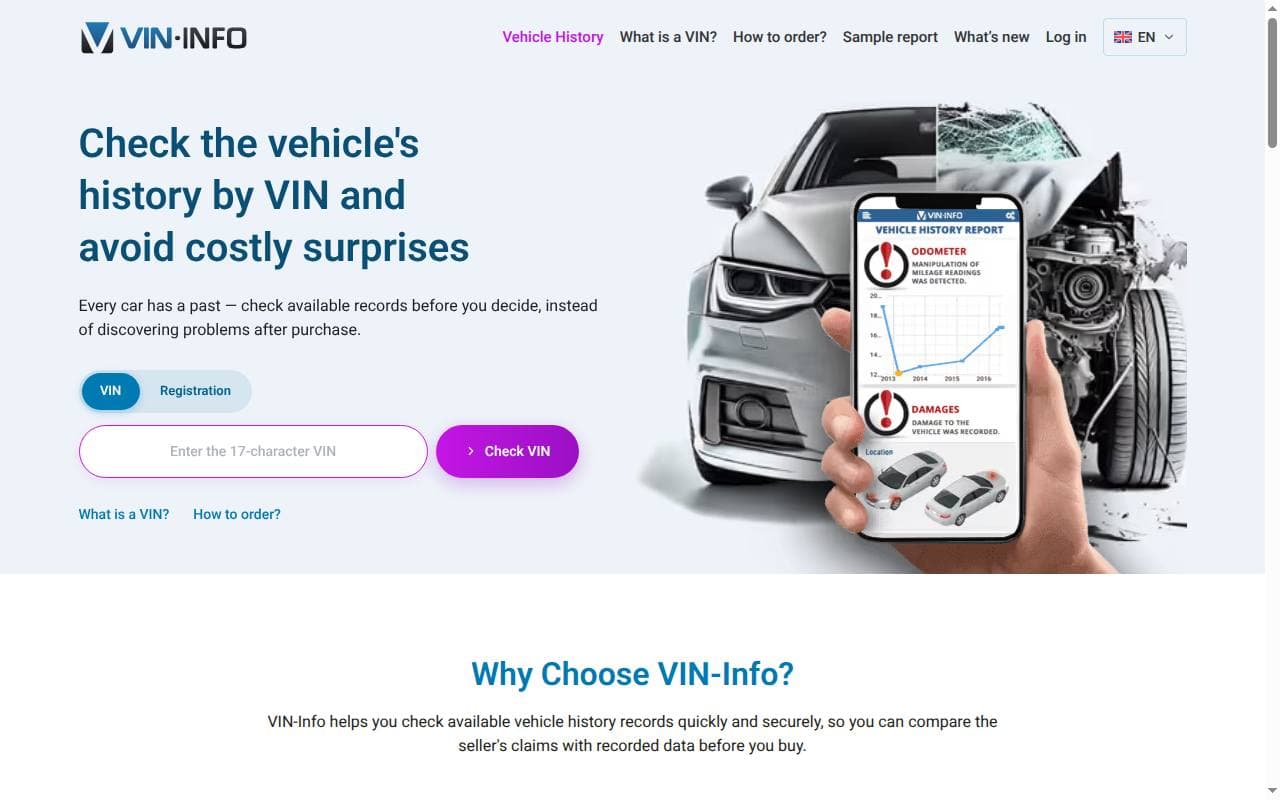
VIN-Info uses a vehicle’s identification number to search for available records. The VIN identifies the car; the number itself doesn’t contain its accident or repair history. This review covers report content, price considerations and how to decode your VIN number.
VIN-Info Overview
VIN-Info supplies vehicle reports based on the records available for a VIN. Buyers can use them to compare technical details, mileage and reported events with a seller’s documents and description. How much information you get depends on the car’s history and the sources the service can access.
VIN-Info Pros
- Available history: the report pulls together records that let you check the seller’s description against dated mileage, registration and other reported events.
- International records: the service can bring together records from different countries. Coverage varies, so check what’s available for the specific vehicle.
- VIN Decoding Tool: The platform features a VIN decoding tool that helps users understand the meaning behind the alphanumeric code, revealing information about the vehicle's make, model, and more.
VIN-Info Cons
- Price: compare the quote for your VIN with the information available and the number of vehicles you need to check.
- Limited Free Services: While VIN-Info does provide a basic VIN decoding tool for free, more detailed information is only available through paid reports.
- Data Accuracy: Although VIN-Info taps into a vast database, the accuracy of the information may still depend on the availability and reliability of the data sources.
- Mobile access: you can use a web browser to access the service. Check the provider’s official links for any device-specific options.
How to Decode Your VIN Number Using VIN-Info
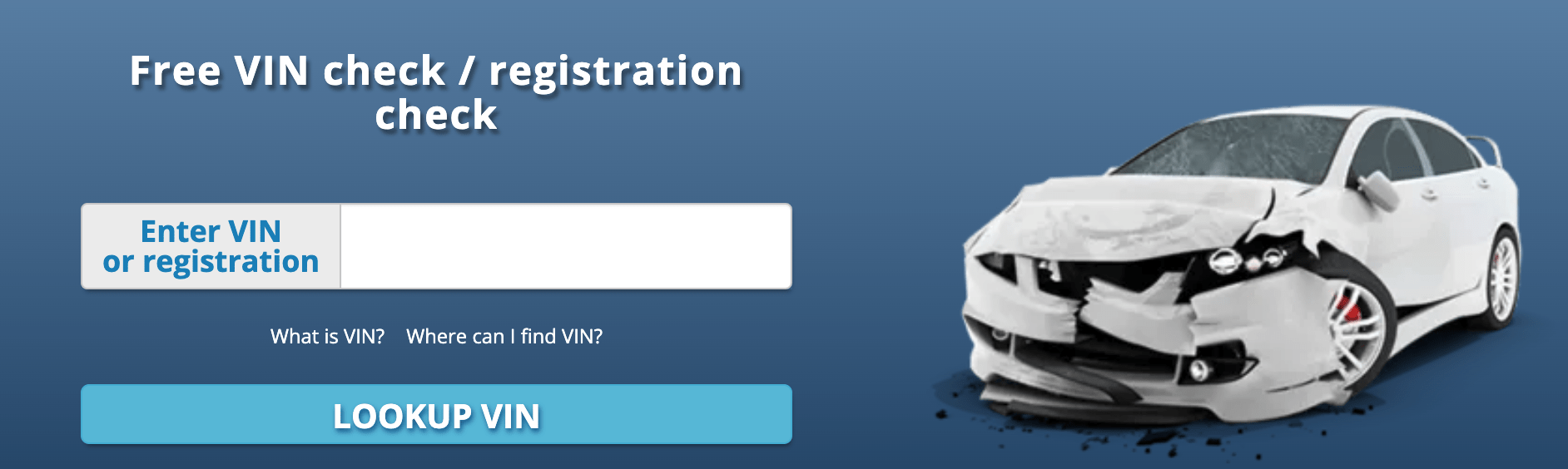
Decoding your VIN number using VIN-Info is a simple process. Follow these steps to get the information you need:
- Locate your VIN number: The VIN is a 17-character alphanumeric code. You can usually find it in several places on your vehicle, including:
- On the driver's side dashboard (viewable through the windshield)
- On the driver's side door jamb (the area where the door latches when closed)
- On the vehicle's registration documents, insurance card, or title
- Visit the VIN-Info website: Go to the VIN-Info homepage and locate the VIN decoding tool.
- Enter the VIN number: Type your vehicle's VIN number into the appropriate field on the VIN-Info website.
- Click "Decode": After entering the VIN number, click the "Decode" button. VIN-Info will process the information and provide a basic breakdown of the vehicle's make, model, year, and other details.
- Purchase a detailed report (optional): If you want more in-depth information about the vehicle, consider purchasing one of the available VIN-Info reports.
VIN-Info Report Details
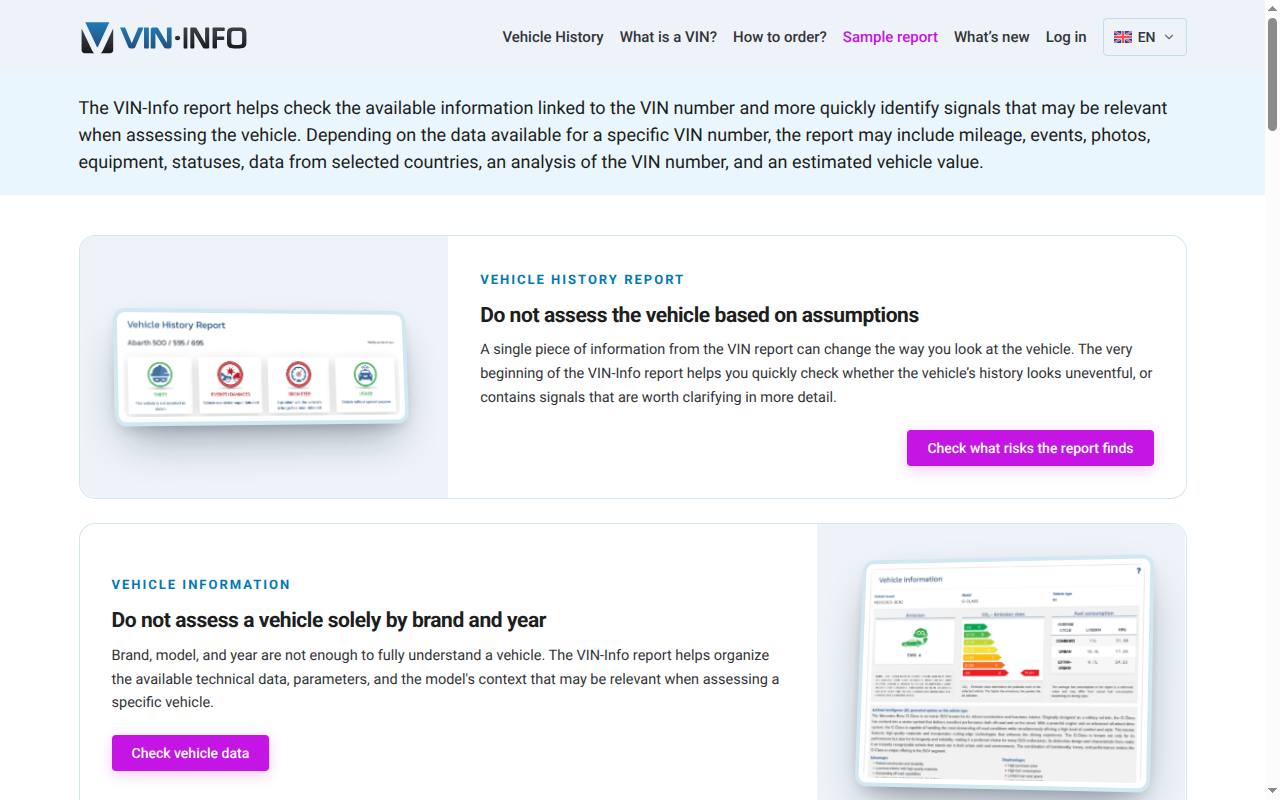
Before buying, look at the free section that shows what kinds of data were found for your VIN. The official sample report shows how the information is presented. Not every category will contain records for every car:
- Basic vehicle information: Make, model, year, body type, engine, and more.
- Registration and ownership-related records: review any available periods and changes. Don’t expect every owner, or any private contact details, to be listed.
- Title information: Details on the vehicle's title, including any title brands (e.g., salvage, flood damage, or rebuilt).
- Damage history: recorded damage or repair-related events. Entries may be incomplete or delayed, and several entries can relate to the same incident.
- Mileage history: Odometer readings and potential discrepancies, which could indicate odometer rollback or tampering.
- Service-related records: compare any available entries with invoices and manufacturer information. A missing entry doesn’t tell you whether the work was done or not.
- Vehicle usage: Information on how the vehicle was used, such as for personal, commercial, or rental purposes.
- Legal and financial checks: review any status information shown and confirm any restrictions using the vehicle’s documents. Do not assume every lien or repossession will appear.
- Stolen vehicle records: Available database results may indicate whether the vehicle was reported stolen.
- Archived photos: Earlier photos may be available to help compare the vehicle’s past appearance.
- Vehicle equipment: Available configuration and equipment information can be compared with the vehicle description.
- Safety information: The report may include available information on tests, protection systems or technical data.
- VIN analysis: The report may show VIN format, encoded data, manufacturer details and origin information.
- Country-specific data: Where available, the report may include additional data from the United States, the Netherlands or Belgium.
- Valuation: The report may include an estimated vehicle value as a point of reference.
- Intelligent Vehicle History: This feature helps organize available data and highlight information that may warrant further checking.
Pricing
Check the report offer shown after entering the VIN. At the time of our review the price was:
Price at the time of review: €26.90 per report. The current price and scope may differ; confirm both before payment.
Please note that the prices mentioned above may change. Visit the VIN-Info website for up-to-date pricing information.
Payment Options
VIN-Info aims to make the payment process as convenient as possible for its customers. The platform supports various payment methods, including:
- Cards: the official checkout shows which cards are accepted for your order.
- Alternative payment methods: review any other payment options displayed with your order and their applicable terms.
- Other online payment services: VIN-Info may support additional online payment services, depending on your location. Check the website for further details.
How Does VIN-Info Stack Up Against the Competition?
When compared to other vehicle history report providers, VIN-Info offers several advantages and disadvantages:
- Report contents: compare the available records and source dates for the same vehicle. A general list of report features won’t tell you how detailed the result for your car will be.
- Price: compare the quote for your VIN with the information available and the number of vehicles you need to check.
- Country coverage: compare records from the countries where the car was registered or used. An international database only helps if it has relevant entries for that vehicle.
- Free and paid information: compare what each preview contains before paying for additional history. More free fields do not necessarily mean more useful historical records.
VIN-Info is one option for checking the available history of a used vehicle. Check whether the preview answers the questions you have, then weigh the final price and the report’s limitations.
Customer Support
For help with an order or a disputed record, use the contact details on VIN-Info’s website. Have the VIN, report ID and supporting documents ready.
- Contact Form: Users can submit inquiries or support requests through a contact form available on the VIN-Info website.
- Email: VIN-Info provides a dedicated email address for customer support, allowing users to reach out directly.
- FAQ Section: The website features a comprehensive FAQ section, which addresses common questions and provides helpful information about the service.
- Social Media: VIN-Info maintains a presence on various social media platforms, enabling users to connect with the company and seek assistance through those channels.
Conclusion
VIN-Info can help organize records that would otherwise be difficult to compare. How useful it is depends on what it finds for your VIN; it can’t promise full coverage everywhere. Use the report alongside documents and a technical inspection, and get any unexplained entries cleared up before buying the car.
FAQs
Is VIN-Info free?
VIN-Info offers a basic VIN decoding tool for free, which provides essential information about the vehicle, such as make, model, and year. More detailed reports are available for purchase.
Does VIN-Info offer any discounts?
Check the current offer and confirm any discount in the checkout total. Older promotional prices may have expired.
How accurate is the information provided by VIN-Info?
VIN-Info sources its data from an extensive global database. However, the accuracy of the information depends on the availability and reliability of the data sources.
Can I trust VIN-Info with my payment information?
Use the payment options shown on the official checkout and check the amount and terms before you pay. Keep the order confirmation and contact the provider if the amount or billing terms are unclear.
How long does it take to receive a VIN-Info report?
You get the report online once you’ve done the lookup and paid. Account, payment or data problems can delay access.
Is there a VIN-Info mobile app?
You can access VIN-Info through a web browser. For any other ways to access it, follow the links on the provider’s official website.
Can I get a refund if I'm not satisfied with my VIN-Info report?
Read the refund and complaint terms before purchase. A thin report or a result you didn’t want doesn’t automatically entitle you to a refund. Contact the provider with the report details if you believe the service or data is incorrect.
How can I contact VIN-Info customer support?
Use the contact options currently listed on VIN-Info’s official site. Have the VIN, order details and the specific issue ready.