


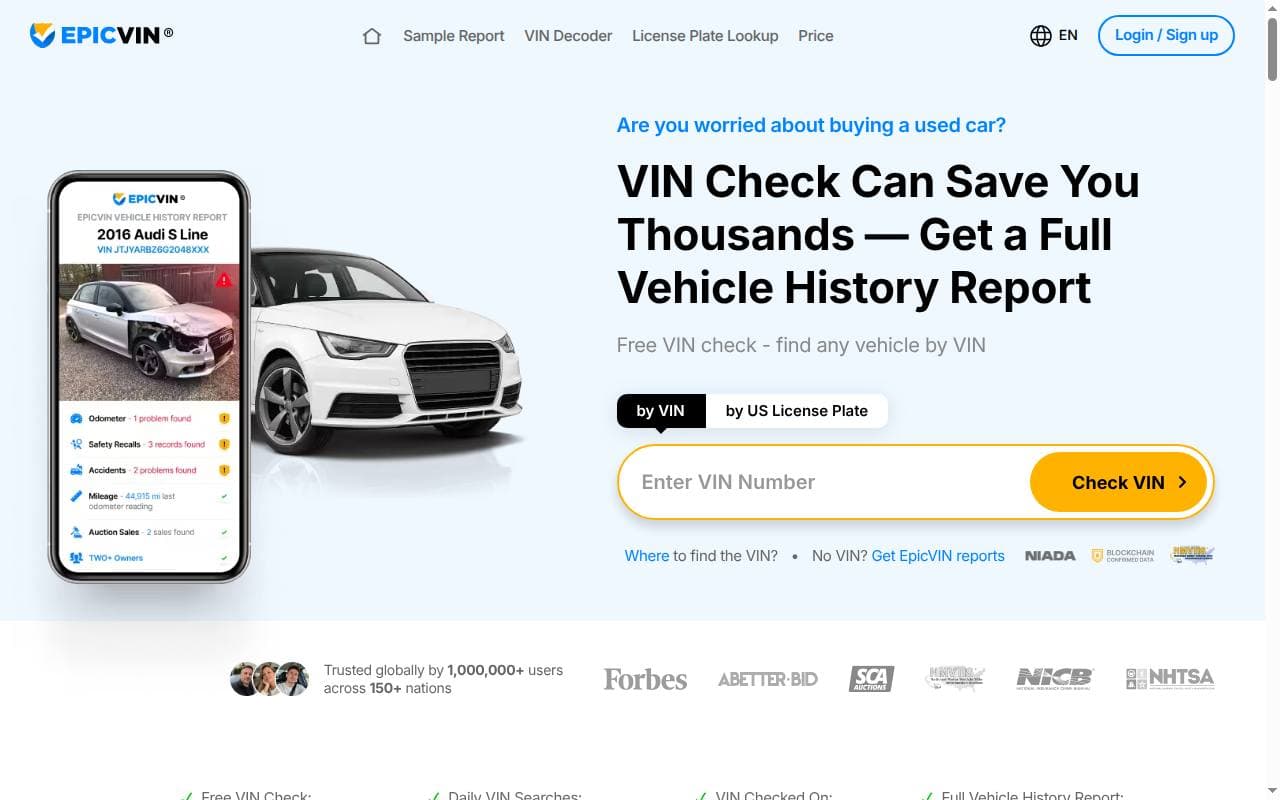
EpicVIN searches the records linked to a VIN and puts the vehicle history it finds into a report. It’s most useful for cars that have spent time in the US. This review explains the lookup, report sections, package and subscription choices, and the checks to make before paying.
What EpicVIN offers
EpicVIN combines vehicle data from sources such as title records, insurance and salvage reporting, auctions and other available records. Keep in mind that its NMVTIS-based information only goes as far as that system does; it isn’t a complete record of every accident or service visit.
A free VIN decoder tells you the basic details of the vehicle. A paid report digs into more of the history tied to the number. They’re different products, even if both start from the same search box.
Strengths and limitations
Potentially useful features
- Title and salvage information can help flag a vehicle that needs a closer look.
- Available sale or auction records may add dates, images or earlier advertised details.
- Basic identification helps you check whether the VIN matches the seller’s description.
- Different purchase options work for checking a single car or researching several.
What to watch
- Records can be incomplete, delayed or incorrect.
- A low introductory charge may be linked to a recurring subscription.
- A vehicle from another country may have limited relevant records.
- A value estimate doesn’t involve inspecting the car and doesn’t guarantee what it will sell for.
How to run the check
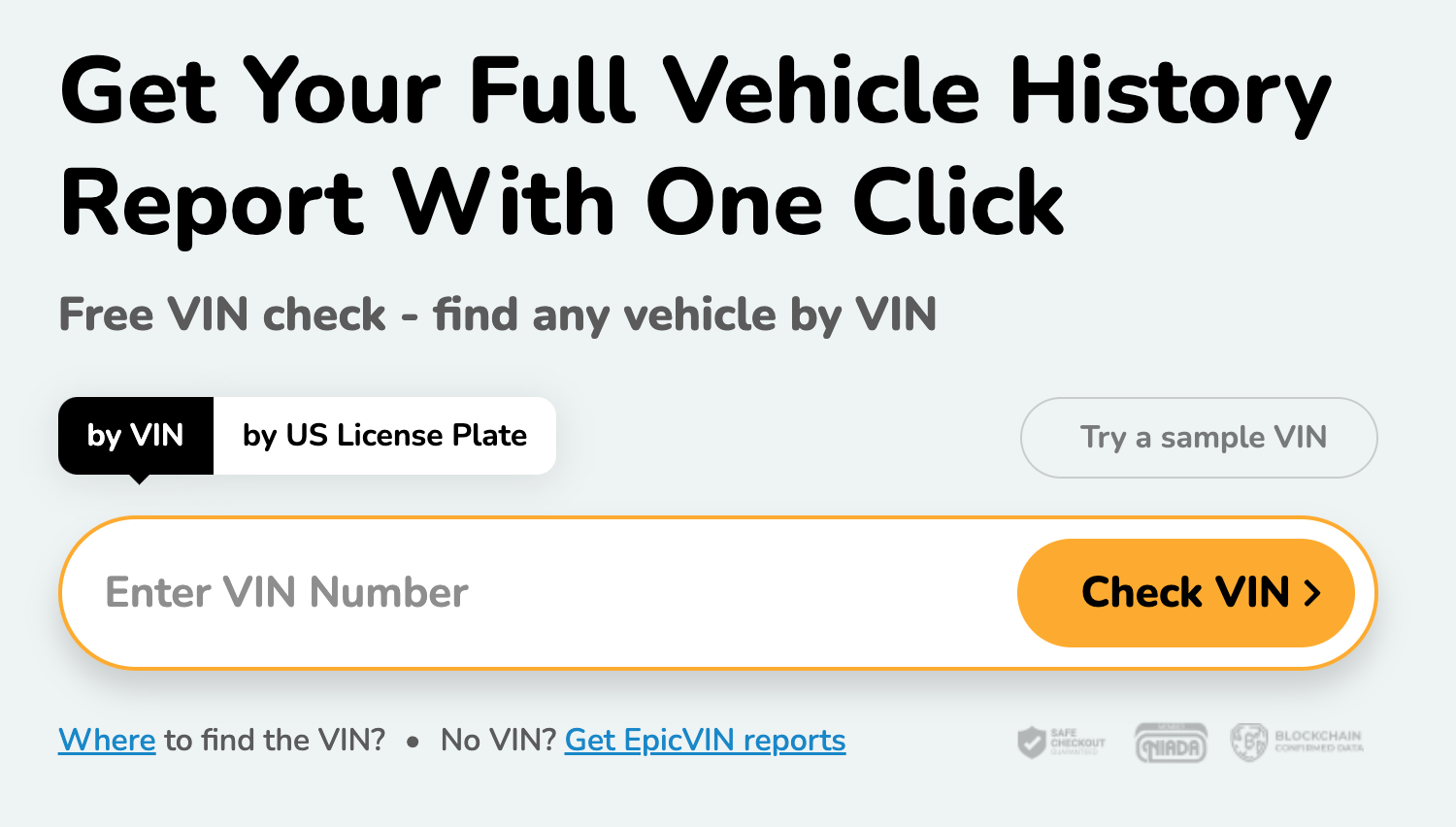
Archive: The EpicVIN search interface.
- Get the VIN from the car and check it against the paperwork. See our VIN and vehicle identification guide for help locating it.
- Enter the VIN on EpicVIN and confirm that the vehicle shown is the right one.
- Note the difference between the basic result and the paid history on offer.
- Review the selected product, the amount due now, any renewal charge and the cancellation terms.
- After purchase, read the complete report and compare its findings with the car, the documents and an inspection.
What may appear in an EpicVIN report?
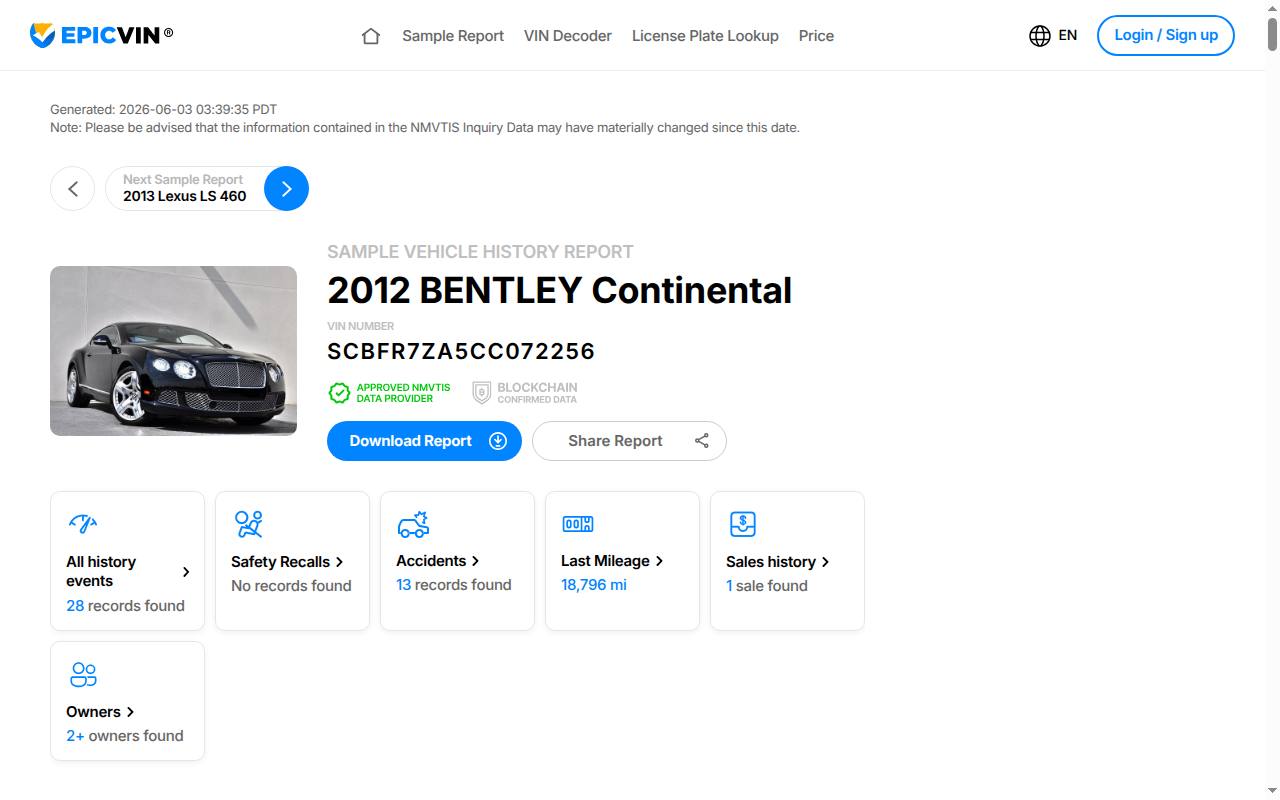
Example of an EpicVIN report.
- Title and status records: look for title brands, salvage or total-loss information and the jurisdiction involved.
- Mileage: check the dates and units of the recorded readings, then look into any unexplained discrepancies.
- Damage and theft records: any entries can point to issues worth following up. If there are none, that doesn’t guarantee nothing happened.
- Sales and auction history: compare earlier dates, prices and images with the current advertisement.
- Registration or ownership periods: these can give useful context, but they won’t reveal private owners’ names or contact details.
- Specifications, recall information and estimates: confirm important details with the manufacturer or relevant official source.
Not every section contains information for every VIN. If a service or recall entry is missing, ask for paperwork instead of assuming the work was or wasn’t done.
Prices, packages and subscriptions
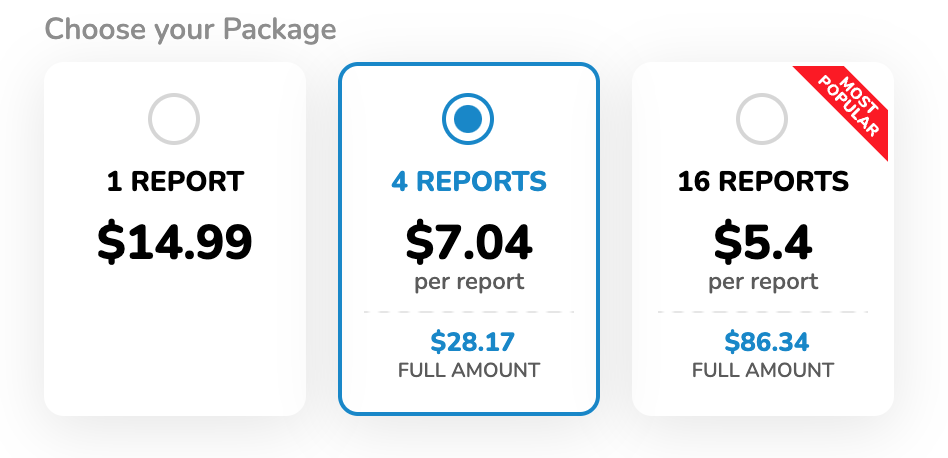
Archive: earlier EpicVIN bundles; check the current product and billing terms.
At the time of our original review, EpicVIN listed $14.99 for one report, $28.17 for four and $86.34 for sixteen. Prices may have changed since then, so don’t mistake these for the current price or for subscription terms.
EpicVIN also offers recurring plans. Its terms describe a three-day trial that converts to a monthly subscription unless cancelled in time. Subscriptions renew automatically; the amount and billing interval are shown with the offer. Check these details even if the initial payment is small.
You cancel in the subscription section of your account. Follow the confirmation steps and make sure the cancellation went through. Check the current refund terms separately; stopping the renewal doesn’t necessarily refund charges you’ve already paid.
Before buying multiple reports, think about how many vehicles you’ll actually look at and whether a one-off purchase or a recurring plan fits that. Use the payment methods displayed at checkout.
Report access and support
EpicVIN’s FAQ states that ordered reports remain available in the account for 30 days and can be saved as PDFs. That access period is separate from unused prepaid reports, which the FAQ says do not expire.
Use the provider’s current help or contact page for report and account problems. Include the order details and a precise description of the issue. Do not send payment-card details in an ordinary support message.
Comparing EpicVIN with alternatives
For a US-history car, compare the available title, salvage, mileage and auction data with the other reports you are considering. For a European vehicle, find out whether the service has records from the countries where it was registered before.
A low price or a familiar name doesn’t make a report accurate. Compare the report contents and dates, the purchase terms and the questions the result can actually answer. EpicVIN can help with that research, but the car’s condition and paperwork need to be checked separately.
Frequently asked questions
Is EpicVIN free?
The basic VIN decoder and the paid history report are two separate products. Check whether the offer is a one-off report or a trial that leads to recurring charges.
How do bundle discounts work?
Compare the total package price with the number of included vehicles. Go by the terms shown for the product you select; older bundles may have changed.
Can I use it outside the United States?
The website may be accessible internationally, but whether you get useful history depends on records from the countries where the vehicle was previously registered. Confirm coverage before paying.
Is the estimated market value an offer to buy my car?
No. An estimate is a reference point. Local demand, condition, equipment and the actual negotiation affect the sale price.
Does EpicVIN have an app?
Use only official app links supplied by EpicVIN, and check the features and account terms for the version offered in your region.
How quickly will I receive the report?
You get the report online once you’ve completed the lookup and paid. Processing, payment or account problems can delay access.
Can I trust every entry?
Treat each record as something to verify. Records can contain gaps or errors, so look into any discrepancy and compare it with the paperwork and the car.
How do I cancel a subscription?
Use the subscription settings in your account and complete the confirmation steps. Make sure the account shows the subscription as canceled before the next renewal date.