


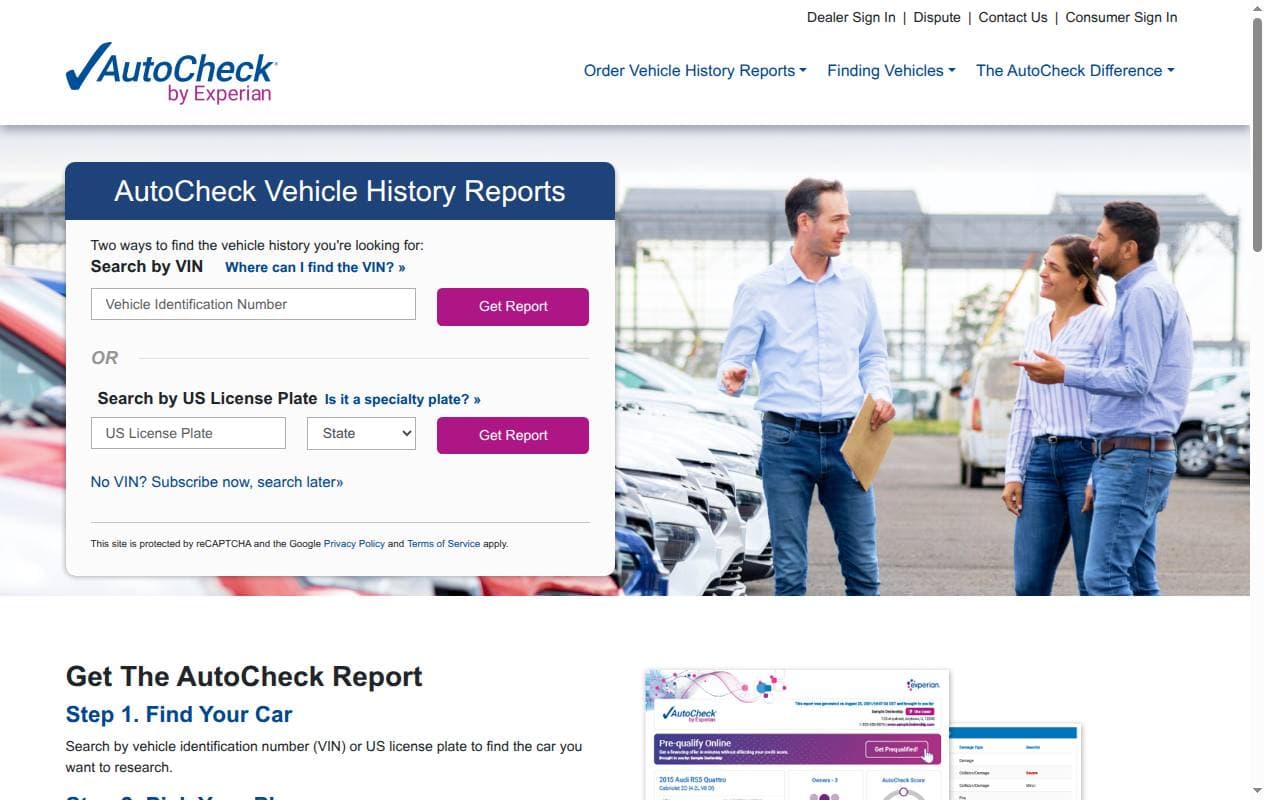
AutoCheck is Experian’s vehicle history service. Alongside recorded title, damage and mileage events, its reports include an AutoCheck Score and comparison range. This review explains how to use those features and where its Buyback Protection stops.
What AutoCheck offers
AutoCheck pulls together available vehicle records to help you check a used car. The report can help you spot a history that doesn’t match the listing, but it does not inspect the vehicle or confirm its present mechanical condition.
The service is most useful for vehicles with a US history. For an import, check whether its records cover the countries where the car was registered before, and get the paperwork from that period.
Strengths and limitations
Useful features
- Score with a comparison range: a summary that shows how the recorded history compares with similar vehicles.
- Detailed event history: available title, damage and mileage records can give you questions to ask the seller.
- Multi-vehicle options: packages work well if you’re researching more than one car.
- Conditional Buyback Protection: eligible vehicles may qualify under the program’s specific title-brand rules.
Limitations to consider
- Records can be missing, delayed or incorrect.
- The Score is a summary of reported history, not an inspection or a mechanical-health grade.
- Photos and service details depend on the available records and product.
- Buyback Protection does not cover every accident, repair problem or report omission.
How to obtain an AutoCheck report
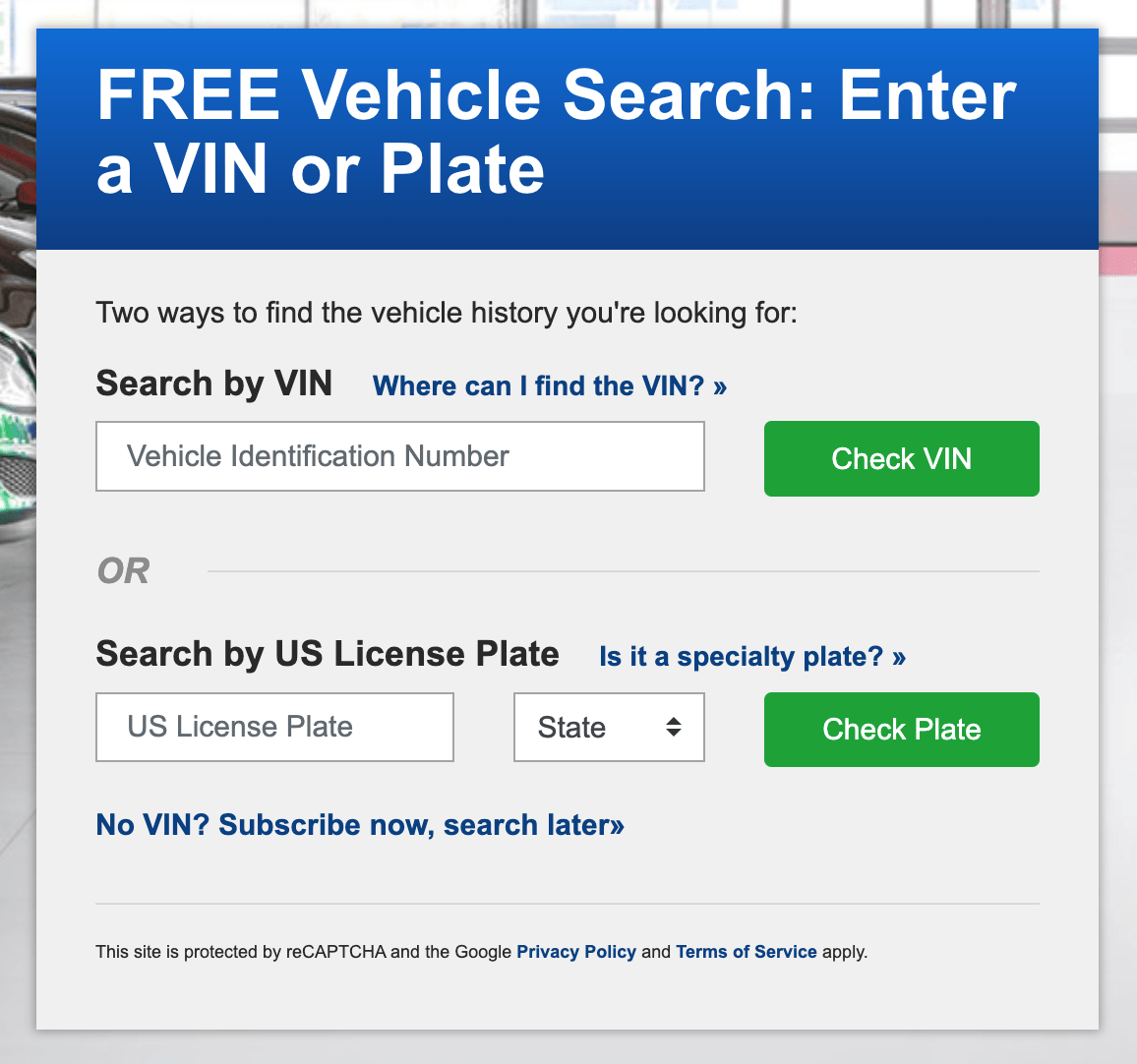
Archive: The AutoCheck lookup interface.
- Verify the VIN on the car and in its documents. Our VIN and vehicle identification guide explains the number and common locations.
- Open AutoCheck and enter the VIN, or the US license plate details it asks for.
- Choose an offer that covers the number of vehicles you intend to research.
- Check the total, access period and account requirements before confirming payment.
- Read the Score together with its range, then examine the individual history entries.
Understanding the AutoCheck Score
AutoCheck explains that its Score and Score Range compare vehicles of similar age and class. Reported accidents, mileage, title brands and other history can affect the result.
Compare a car’s number with the range shown on that report. Two cars from different groups can have different ranges, so a higher number on its own isn’t automatically the better result. Read the events behind it before deciding whether a concern is something you can accept.
A favorable Score cannot rule out an unreported repair, neglected maintenance or a new mechanical problem. For those, you need documents and an inspection.
What to read beyond the Score
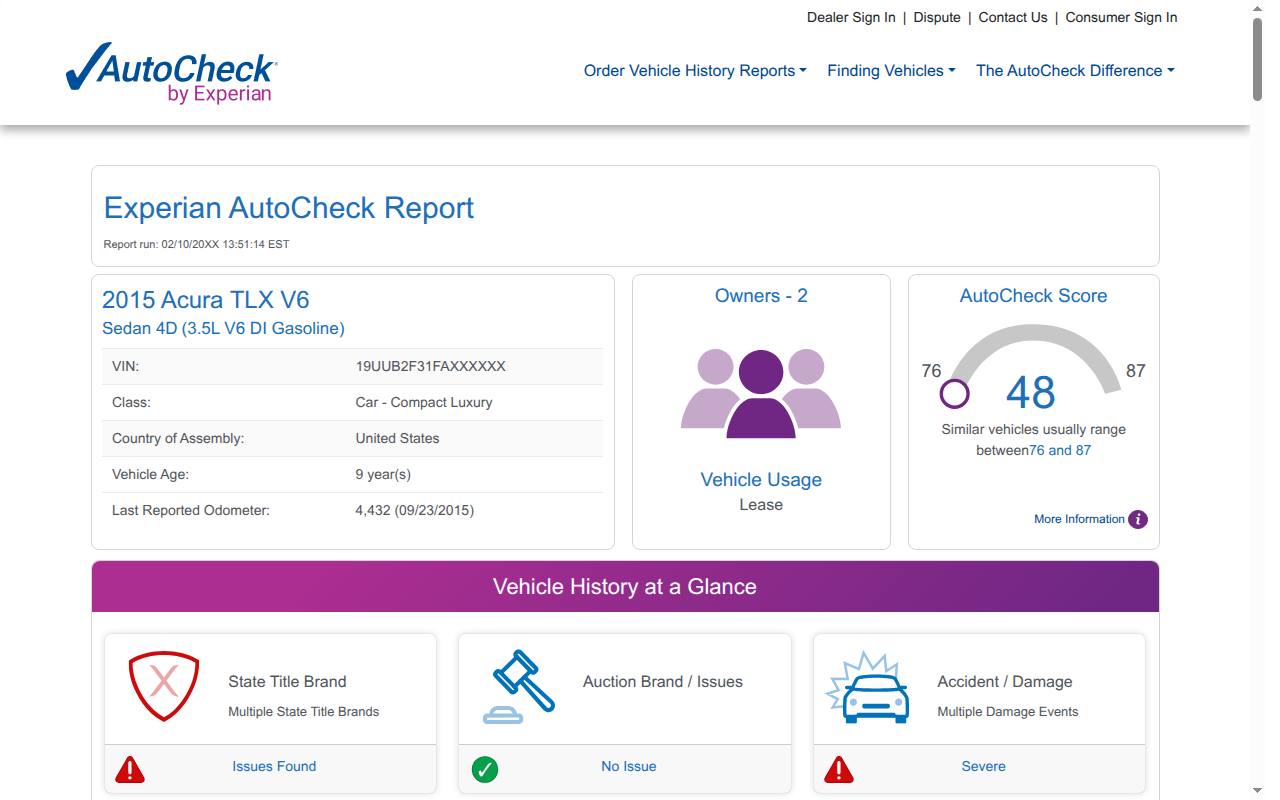
Example of an AutoCheck report.
- Vehicle overview: confirm the VIN, model and specifications against the car.
- Title history: investigate salvage, rebuilt, flood and other reported brands in the relevant jurisdiction.
- Accident and damage records: check the event date and available detail, then ask for repair documentation.
- Odometer history: examine dates, units and inconsistencies instead of relying solely on the summary.
- Ownership and use: use recorded rental, fleet or other use as context for further questions.
- Other interests or alerts: confirm any significant lien, theft or ownership issue with the appropriate authority.
- Open recall check: review any reported open recalls and their status.
- Recommended maintenance: consider the manufacturer’s recommended maintenance schedule shown in the report.
- Warranty check: treat the estimated coverage as a reason to confirm it with an authorized dealership.
Buyback Protection: the distinction that matters
AutoCheck’s Buyback Protection overview applies to certain state title brands that were reported to Experian before the report was run but didn’t appear in it. It does not generally cover missed accidents or negative entries from commercial sources.
The program comes with conditions on vehicle eligibility, registration, timing and claims. Check the applicable terms and keep a copy of the report. A qualifying badge is not a warranty against every loss connected with the car.
Prices, packages and free results
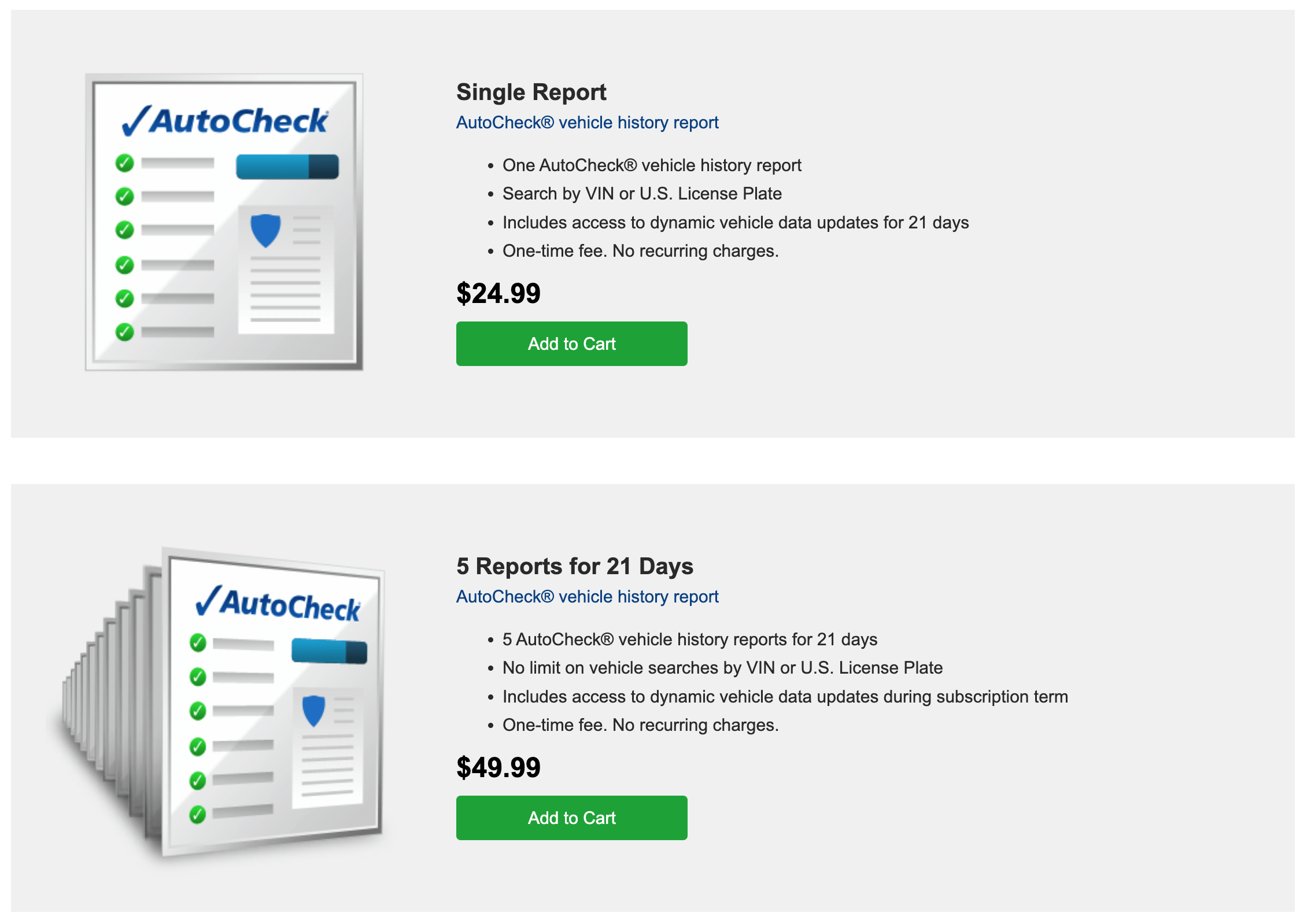
Archive: earlier AutoCheck prices; packages and terms can change.
AutoCheck lists $29.99 for one report and $59.99 for five reports for 21 days. The single report includes access to dynamic vehicle data updates for 21 days. Before buying, compare the current packages, how many checks each allows and the access period.
AutoCheck also advertises a free Score lookup. A Score or basic result isn’t the same as access to the full recorded history. Read the description of the offer you choose.
Use the payment methods shown at checkout and review whether the specific offer is a one-time purchase or has other billing conditions. Do not assume that a package is unlimited because it covers several vehicles.
AutoCheck versus CARFAX and other services
The distinctive feature here is the Score alongside the detailed records. CARFAX and other providers may have different data and presentation for the same VIN. Compare source dates, available service or damage entries, country coverage and total cost.
A sample report shows how the product is laid out; it doesn’t tell you how much history exists for the car you’re considering. If a seller supplies a report, check that it matches the VIN and is recent enough for your decision.
Support and purchase decisions
Use the current contact and help options on AutoCheck’s site for account, payment or data questions. Include the report details and the specific entry that needs review. Published contact methods are more dependable than an old phone number copied into a review.
AutoCheck can help you narrow your research and spot issues before you buy. Its Score works best as a way into the detailed history, followed by document checks and a mechanical inspection.
Frequently asked questions
Is AutoCheck reliable?
Its report is built from supplied vehicle records, which can have gaps or errors. Look at the actual entries and investigate anything that conflicts with the car or its documents.
What does the Score measure?
It summarizes recorded history and is shown with a range for similar vehicles. It should not be read as a standalone mechanical-condition rating.
Can I get a free full report?
AutoCheck advertises a free Score lookup. Read the offer carefully so you don’t confuse that result with the paid detailed history.
Is a higher Score always better?
Compare it with the range for that vehicle’s group. A number from a different age or class may not be directly comparable.
Does Buyback Protection cover mechanical faults?
It is a conditional title-brand program, not a general mechanical warranty. Review the terms before relying on it.
Can I check a vehicle from outside the US?
Confirm support and the relevant source countries before ordering. An imported car may have gaps in its earlier history.
Are discounts available?
Compare the current total and package terms. Older promotions may no longer apply.
How do I report an error?
Use the provider’s current support process and identify the disputed entry with supporting documents where available.